Spatial Dragging

Spatial Dragging
Spatial DraggingNameSpatial Dragging
CategoryGameplay Tutorial
Amount of Tips3
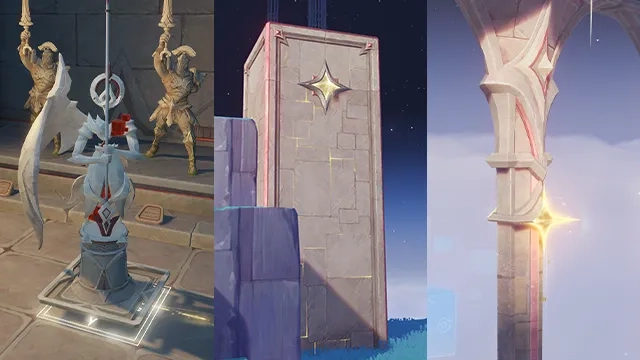
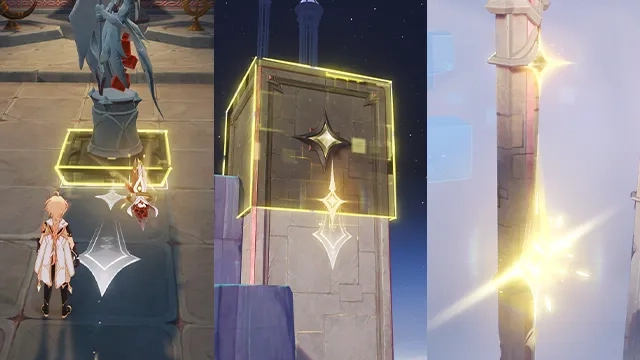
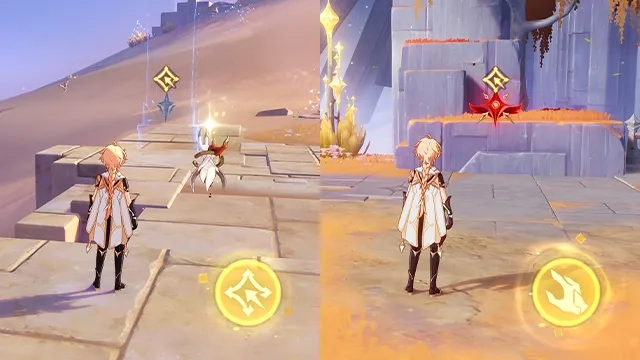
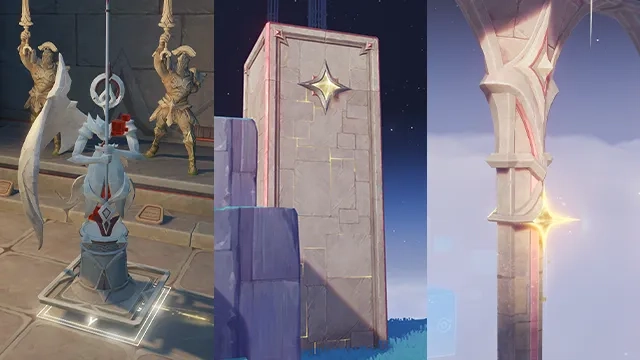
DescriptionIn areas within the Temple of Space, after selecting an object within the temple, you can Hold and drag your Skill to drag that object along a Spacelike Vector. After dragging for a certain distance, maintain that distance for a while until the Spacelike Vector is fully charged. Release the skill button at this moment to trigger spatial folding and change the state of various objects.

Table of Content
Tip #1
Tip #2
Tip #3

Tip #1

In areas within the Temple of Space, after selecting an object within the temple, you can Hold and drag your Skill to drag that object along a Spacelike Vector. After dragging for a certain distance, maintain that distance for a while until the Spacelike Vector is fully charged. Release the skill button at this moment to trigger spatial folding and change the state of various objects.

Tip #2

You can control various objects in areas within the Temple of Space.
Some of these objects cannot be affected during Co-Op Mode.

Tip #3

Seize certain objects within the Temple of Space to produce a variety of incredible effects at corresponding moments.

Leave a Reply

Your email address will not be published. Required fields are marked *

TopButton