 | Name | Rotation Mode |
| Category | Gameplay Tutorial | |
| Amount of Tips | 2 | |
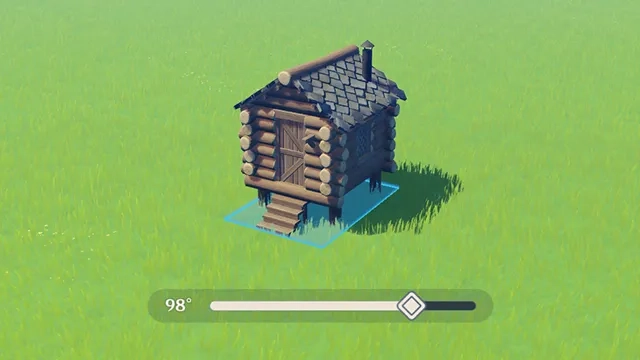
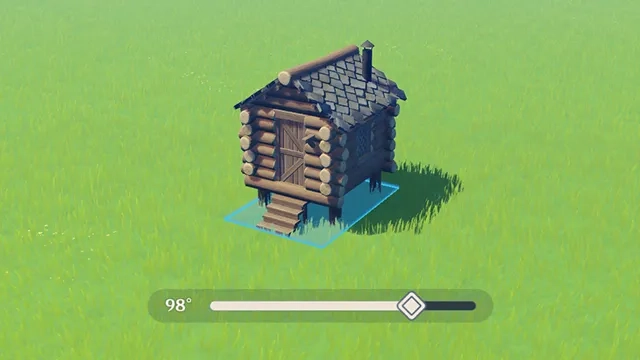
| Description | In the editing screen, Travelers can drag the rotation bar to rotate furnishings to precise angles, and adjust the rotation mode in Settings. |
| Name | Rotation Mode |
| Category | Gameplay Tutorial | |
| Amount of Tips | 2 | |
| Description | In the editing screen, Travelers can drag the rotation bar to rotate furnishings to precise angles, and adjust the rotation mode in Settings. |







It says "Female Lead New Normal Attack" but their stats are different and instead of an ATK% bonus....